Tutu News (TutuNews) @tutunews
🍎 Apple just put the M6 Mac mini in the spotlight, making it possible for everyday users to set up a private AI at home that “works offline.”
Bottom line first: this isn’t about training ChatGPT. It’s about downloading existing open-source models and running them on your own Mac. When you chat, summarize, or write, your data doesn’t need to be uploaded to third-party servers.
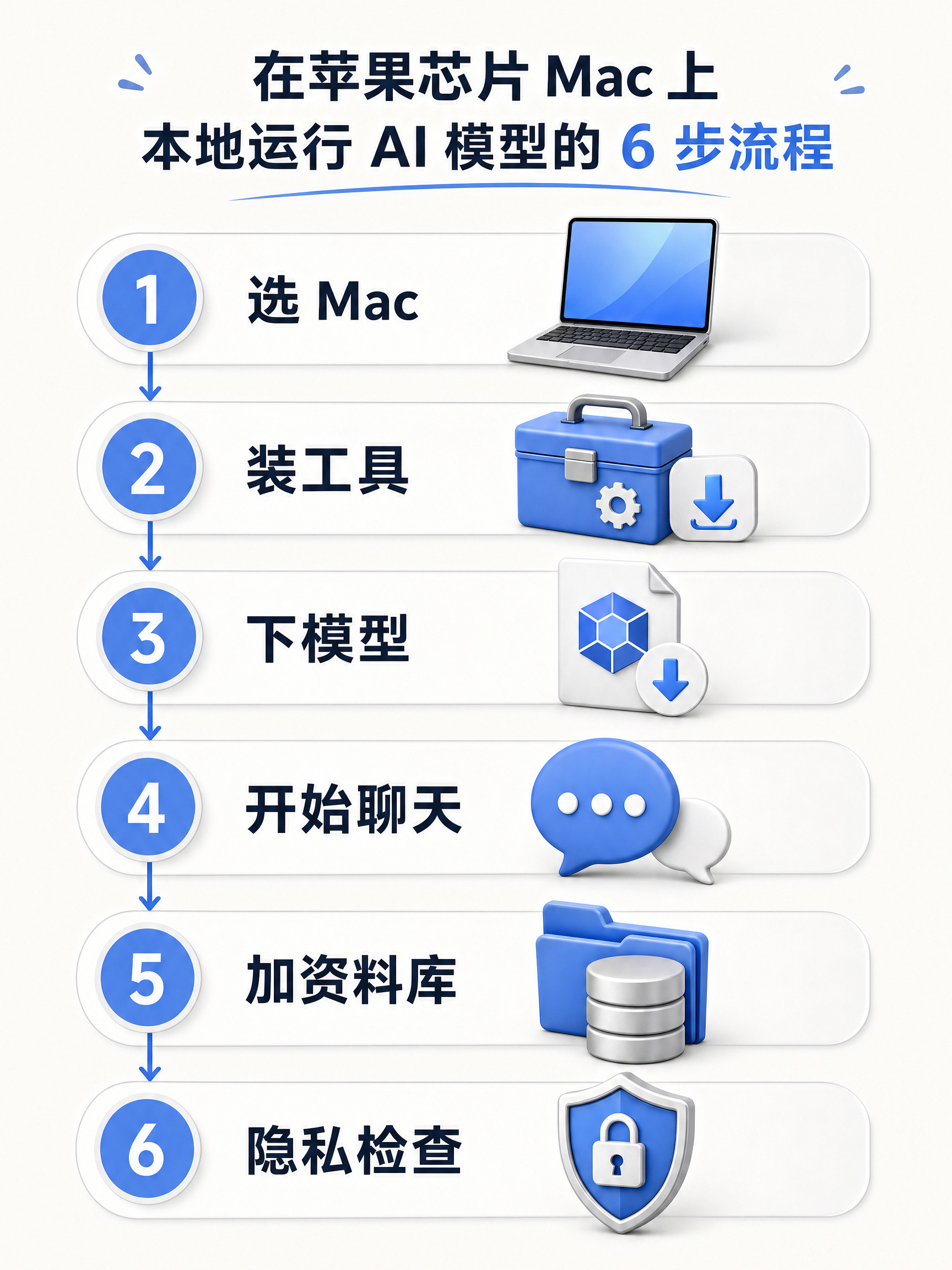
【The Easiest Step-by-Step Guide】
1️⃣ Choose a machine
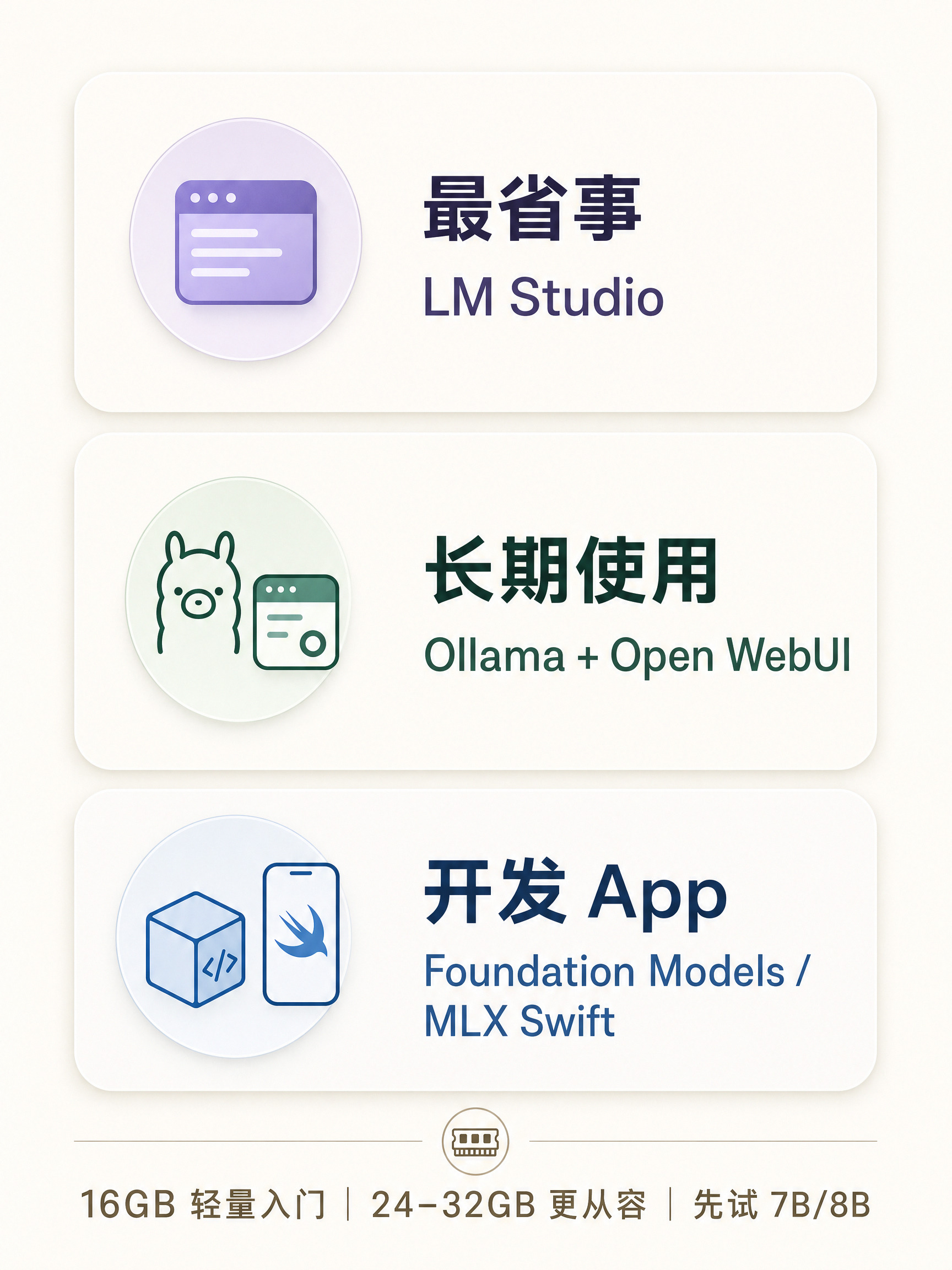
If you already have an Apple silicon Mac, try it first. Buying a new one? 16GB of unified memory can run lightweight models; 24–32GB gives you more breathing room; go higher for larger models. Set aside at least 30GB of storage.
2️⃣ Install the tools
For most people, go with Ollama + Open WebUI:
• Ollama runs models locally
• Open WebUI gives you a chat app-like interface
If you don’t want to mess with commands, LM Studio is another option.
3️⃣ Choose a model
Start with a quantized 7B/8B model. For Chinese conversations, choose the Qwen family; for general use, try the Llama family. Don’t chase the biggest model right away—smooth performance matters more.
4️⃣ Get it running
Install Ollama → download a model → open the chat interface → start by asking, “Summarize this text in three sentences.” If the answer looks normal, your setup is done.
5️⃣ Add your own files
Put PDFs, notes, and product docs into a knowledge base so the AI searches them before answering. This is called RAG, and it’s much simpler than retraining a model.
6️⃣ Protect your privacy
Disable access to cloud models; keep sensitive files only on your Mac; update the software regularly; test truly sensitive tasks while offline.
【Which setup should you choose?】
• Just want to chat: LM Studio
• Want a long-term setup: Ollama + Open WebUI
• Want to build an Apple-native app: Foundation Models framework / MLX Swift
Apple’s latest hardware push keeps focusing on local AI compute, but most people don’t need to max everything out from day one. Start by running a small model on the Mac you already own, then decide whether to upgrade based on speed and memory.
Save this guide and follow it this weekend.
#Space Technology #Macmini #M6 #本地大模型 #AI Tutorials #隐私AI #Ollama